Documentation
Everything you need, in one place
Guides for organizers, selfhost installation, SaaS operations, and the REST API.
/
Start here
From nothing to a live calendar
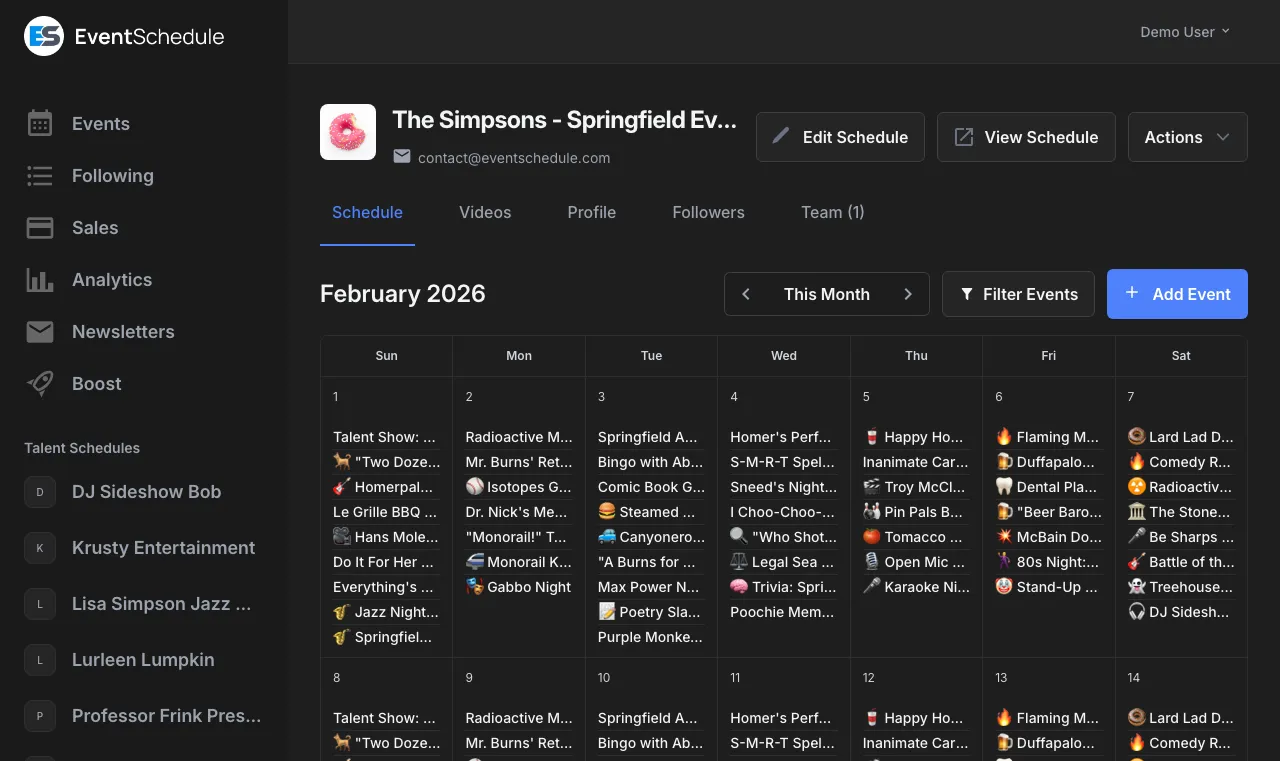
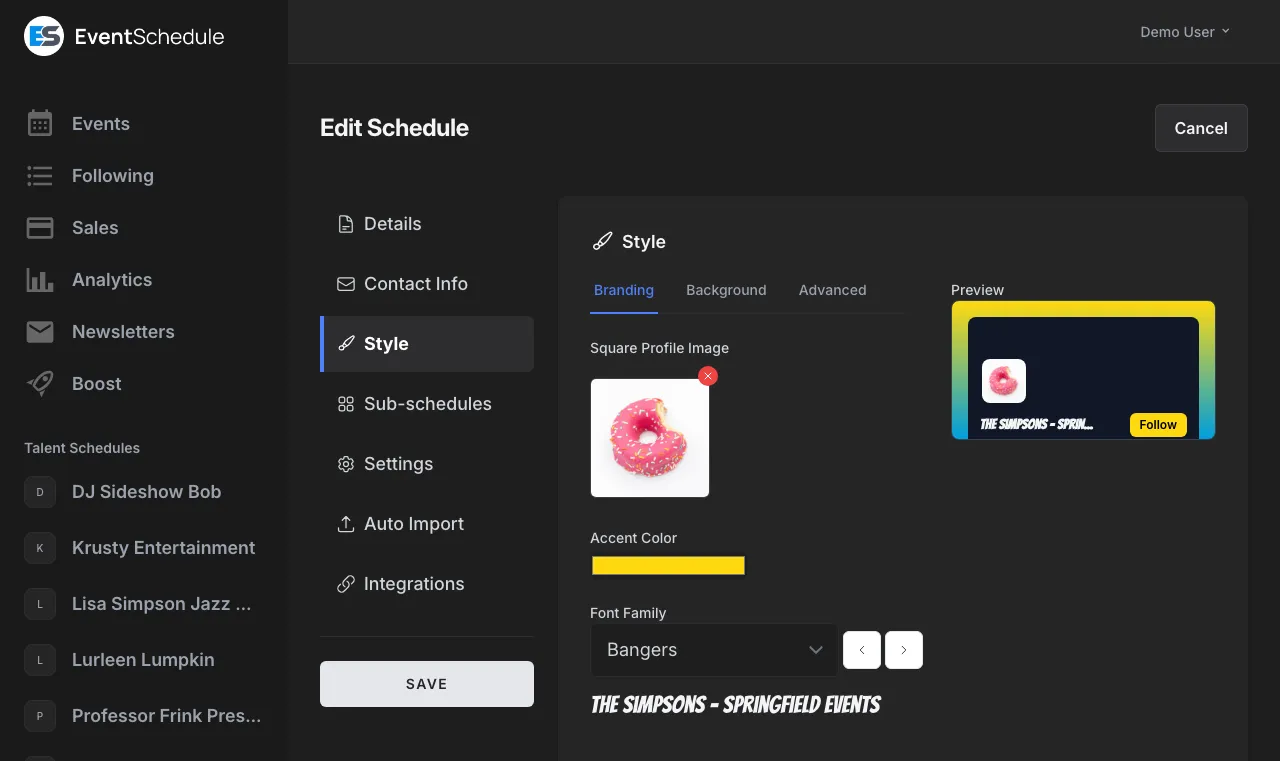
- 1 Create a schedule Pick Talent, Venue or Curator, claim your URL, and add a logo and colors. Read guide
- 2 Add your events Type them in, paste a listing for AI to parse, or scan a printed agenda on Enterprise. Read guide
- 3 Share it Embed the calendar on your site, post the link, and collect followers you can email later. Read guide
User Guide
Every part of the product
Set up
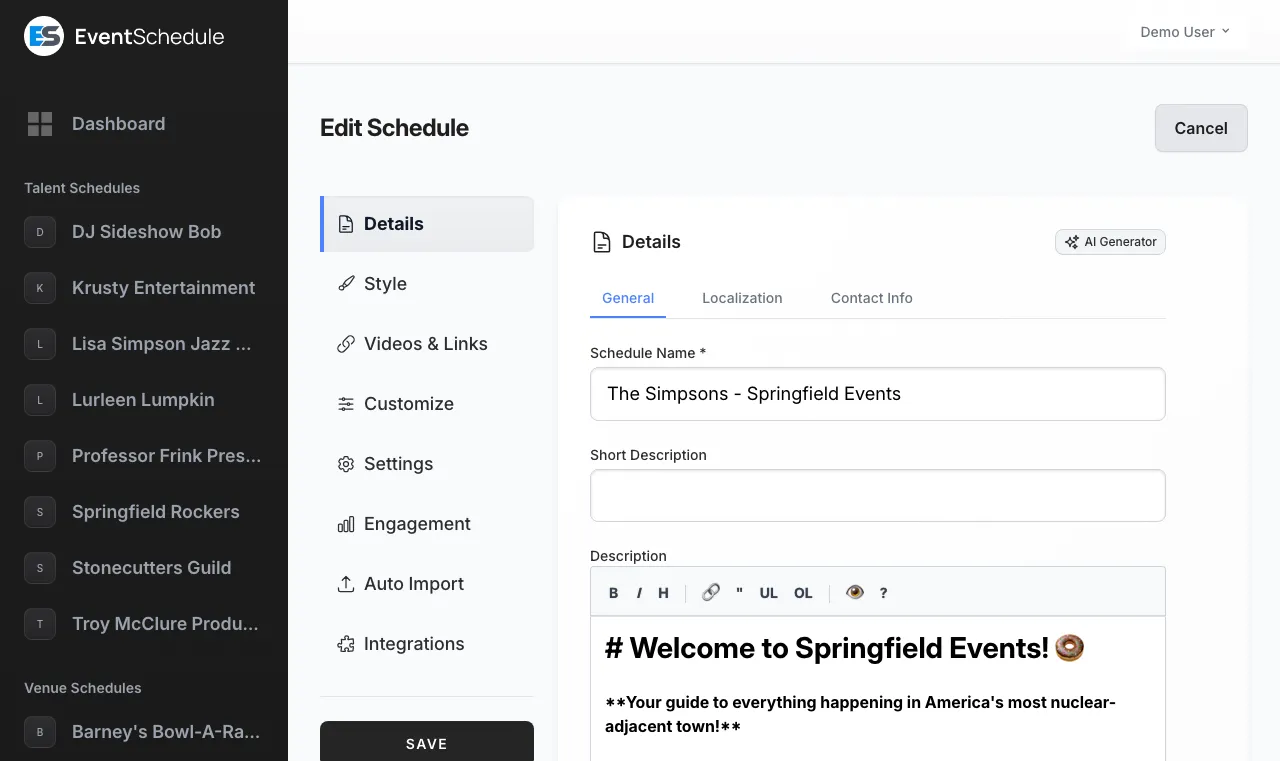
Create an account, a schedule, and make it yours. 3 guidesEvents
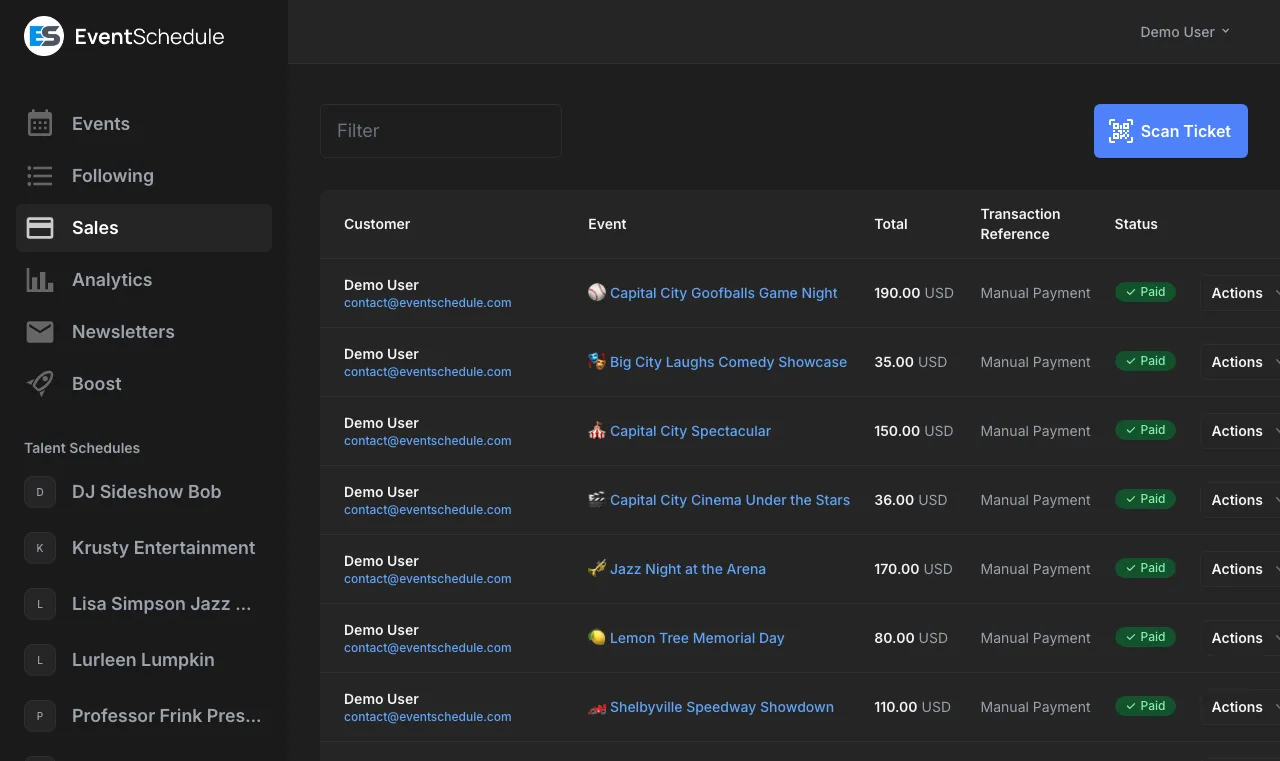
Add events by hand, from text, or from a photo. 3 guidesSell
Take money for tickets, passes and bookings. 4 guidesPromote
Get your events in front of an audience. 4 guidesManage
Run the day to day and see how it is going. 4 guidesRun it yourself
Platform and developer docs
-
Self-managed
Selfhost Installation
Run Event Schedule on your own server. A selfhosted install resolves to Enterprise, so no plan gate applies. Requirements and installation Stripe payments and calendar sync Email, AI and boost setup Admin panel, federation, accessibility View selfhost docs -
Multi-tenant
SaaS Platform
Run Event Schedule as a multi-tenant SaaS with subdomains, plans and per-tenant custom domains. Multi-tenant setup Custom domains with automatic SSL Twilio phone verification Federation, ads and promotions View SaaS docs -
REST API
Developer
Drive Event Schedule from your own code over REST. API access is a Pro feature, on reads as well as writes. REST API reference API keys and rate limits HMAC-signed webhooks Sale, event and check-in payloads Explore the API
Reference
Glossary
Key terms used throughout Event Schedule.
- Schedule
- Your event calendar, with its own URL, branding and settings. One schedule holds as many events as you like, on every plan.
- Schedule type
- Talent, Venue or Curator. The type decides what a schedule gets: a venue has a full address, a curator aggregates events from other schedules. Choose carefully, because the type is fixed once the schedule is saved.
- Sub-schedule
- A category for events inside one schedule, such as Live Music, Comedy or Workshops. Each one has its own color and its own URL, and visitors can filter by it. It organizes and color-codes only: it cannot hide an event.
- Event
- A single occurrence with a date, time, location and details. An event belongs to a schedule and can repeat on a weekly pattern with date exceptions.
- Request
- An event someone else submits from your public request page. Requests wait on the Requests tab until you accept or decline them, and you can opt in to an email when new ones land.
- Ticket
- A ticket type on an event, such as General or VIP. Sales run through your own Stripe account with no platform fees on any plan. Free schedules sell up to 25 paid tickets a month; Pro removes the cap.
- RSVP
- Free sign-up for an event, with an optional capacity limit per date. Available on every plan, and no Stripe account is needed.
- Follower
- Someone who follows your schedule so you can reach them later. Following shares their name and email with you; nothing goes out automatically, you send the emails.
- Newsletter
- An email you write and send to a segment. The monthly allowance counts recipients rather than sends: 10 free, 100 on Pro, 1,000 on Enterprise, and unlimited on selfhost or with your own mail server.
- Segment
- A saved audience for newsletters: all followers, ticket buyers, a ticket waitlist, buyers from one sub-schedule, or a list you enter by hand.
- Embed
- Your schedule shown on another website inside an iframe. The calendar embed and the RSVP form are free; embedding the ticket purchase widget needs Pro.
- Admin Panel
- The management side of one schedule, where you add events, change settings and read your analytics. Not the selfhost admin panel at /admin, which manages a whole install.
100% open source
Event Schedule is fully open source. Explore the code, report an issue, or contribute on GitHub.