100% Open Source

Your server, your rules

Run Event Schedule on your own infrastructure. Full control, exclusive features, and zero platform fees.

Live Demo

See it in action

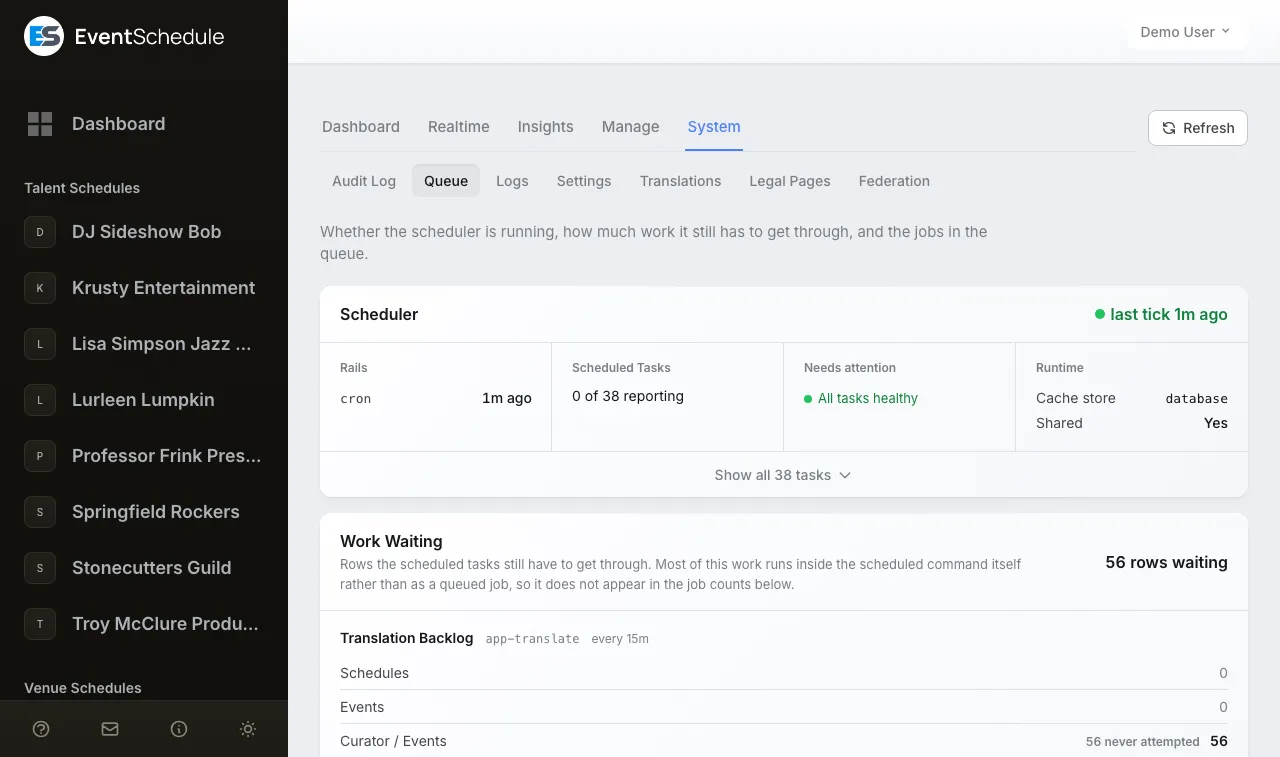
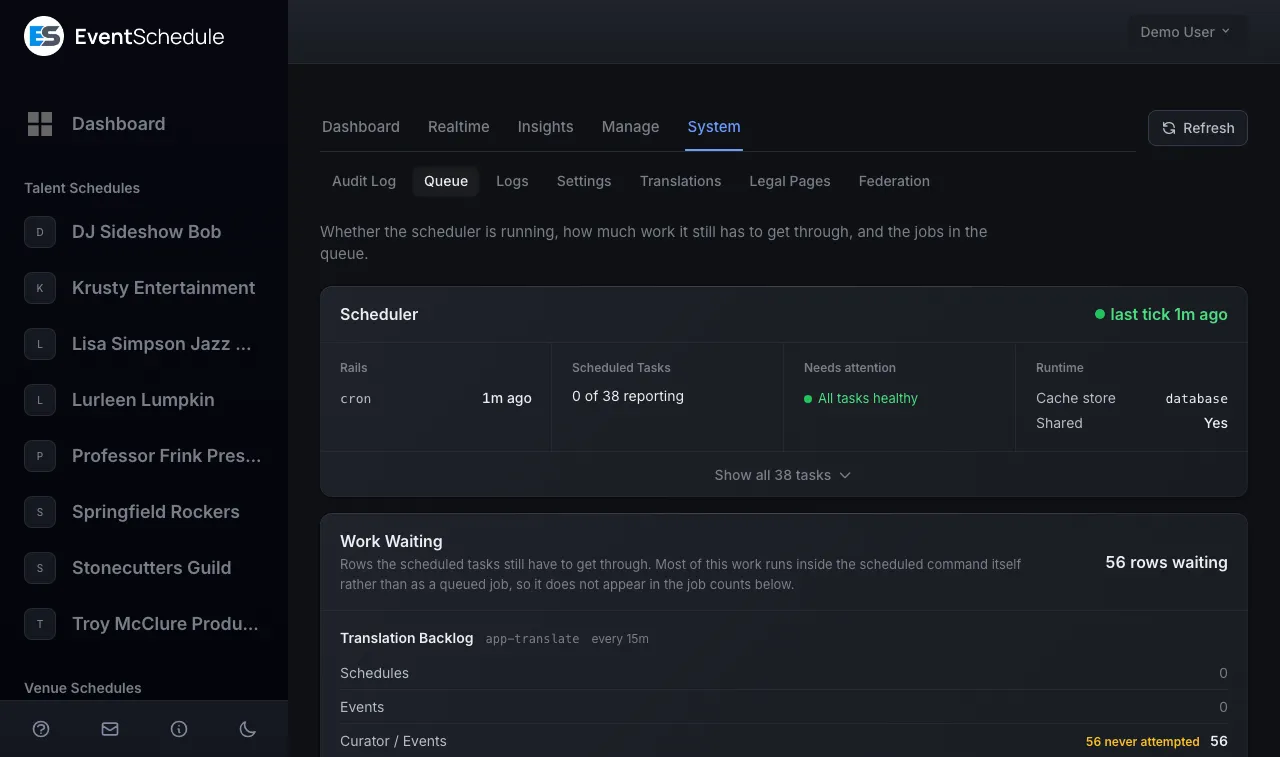
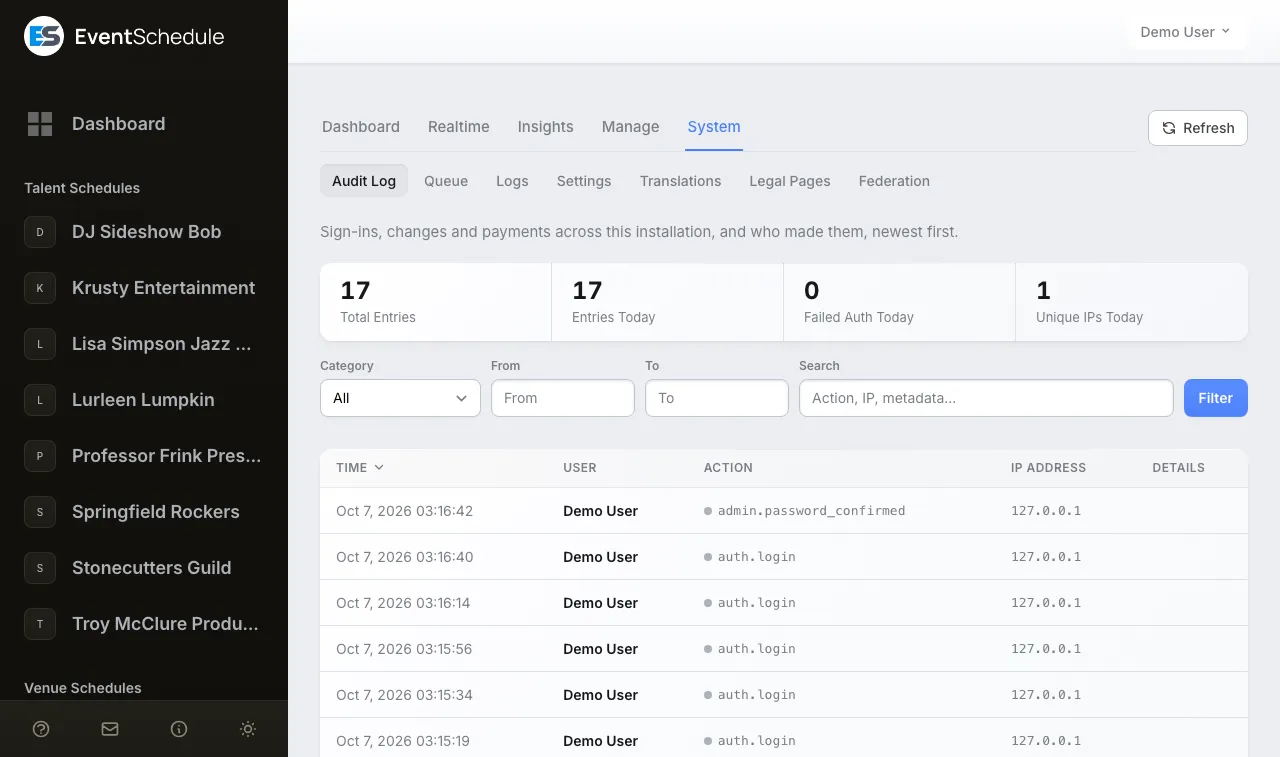
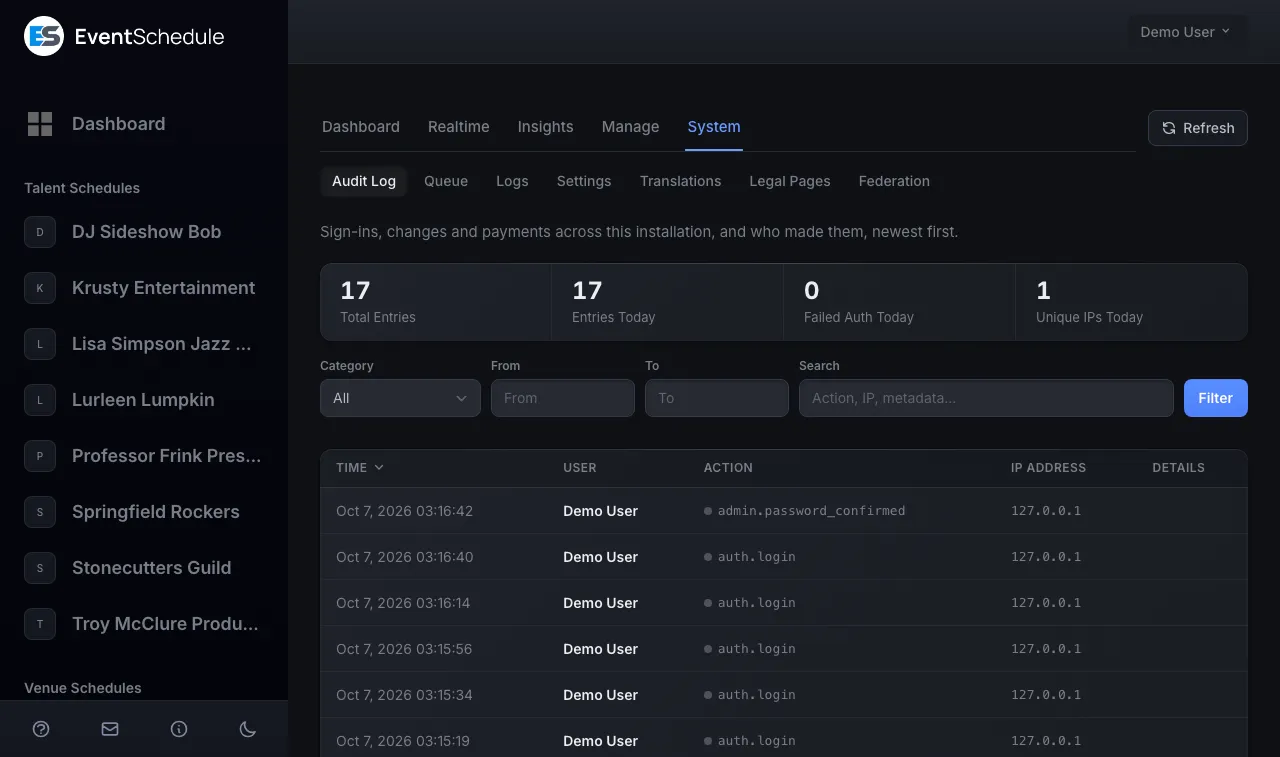
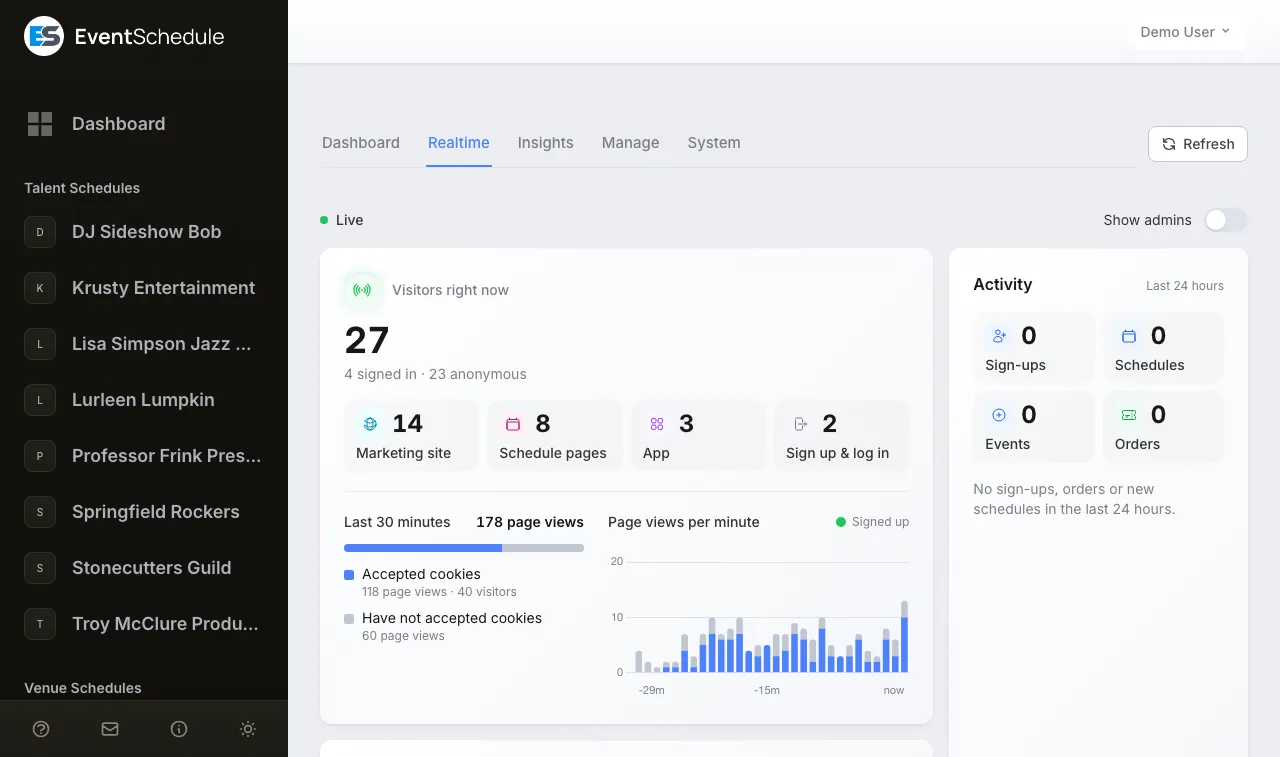
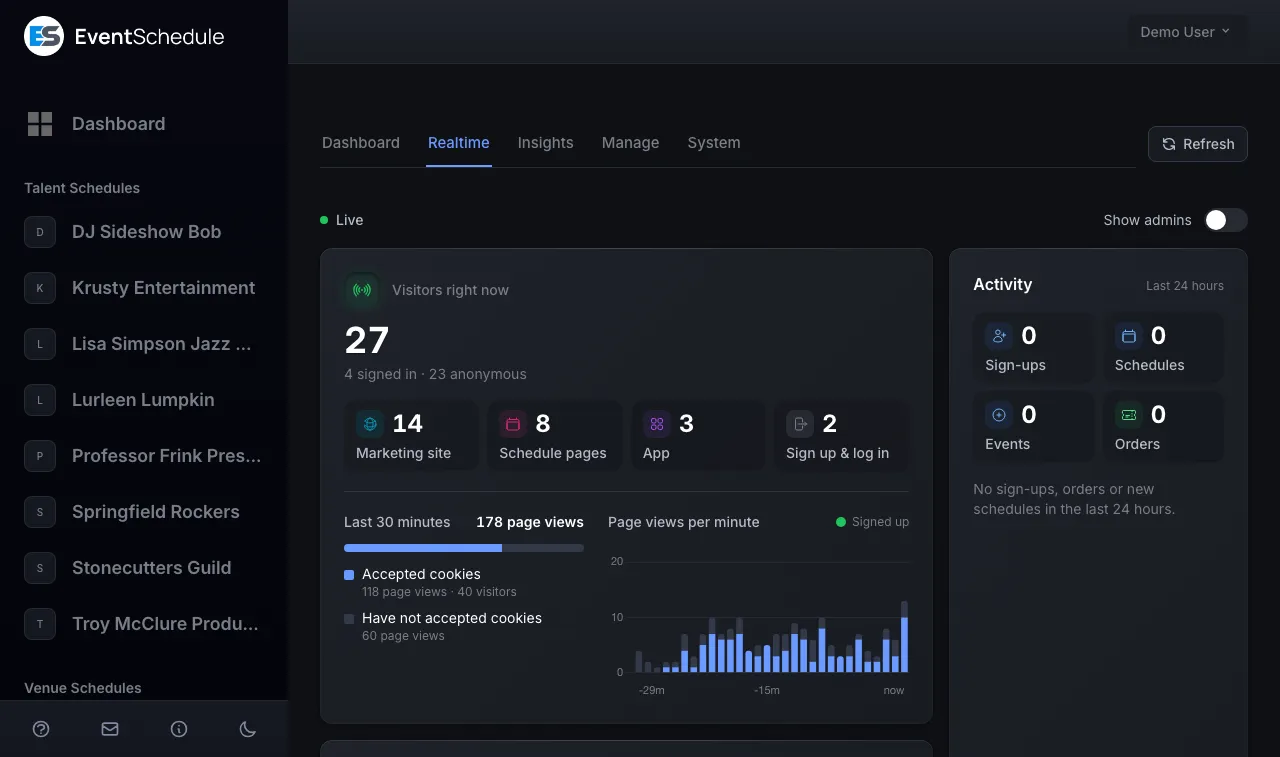
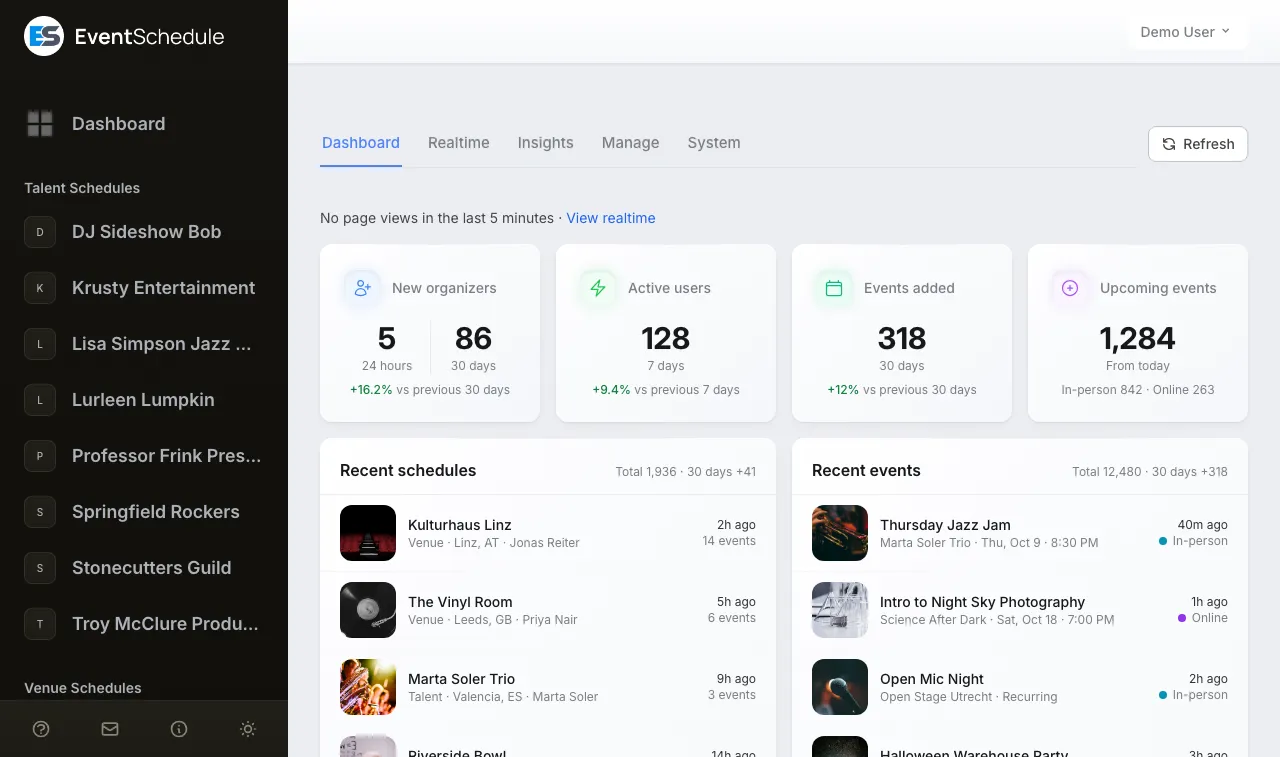
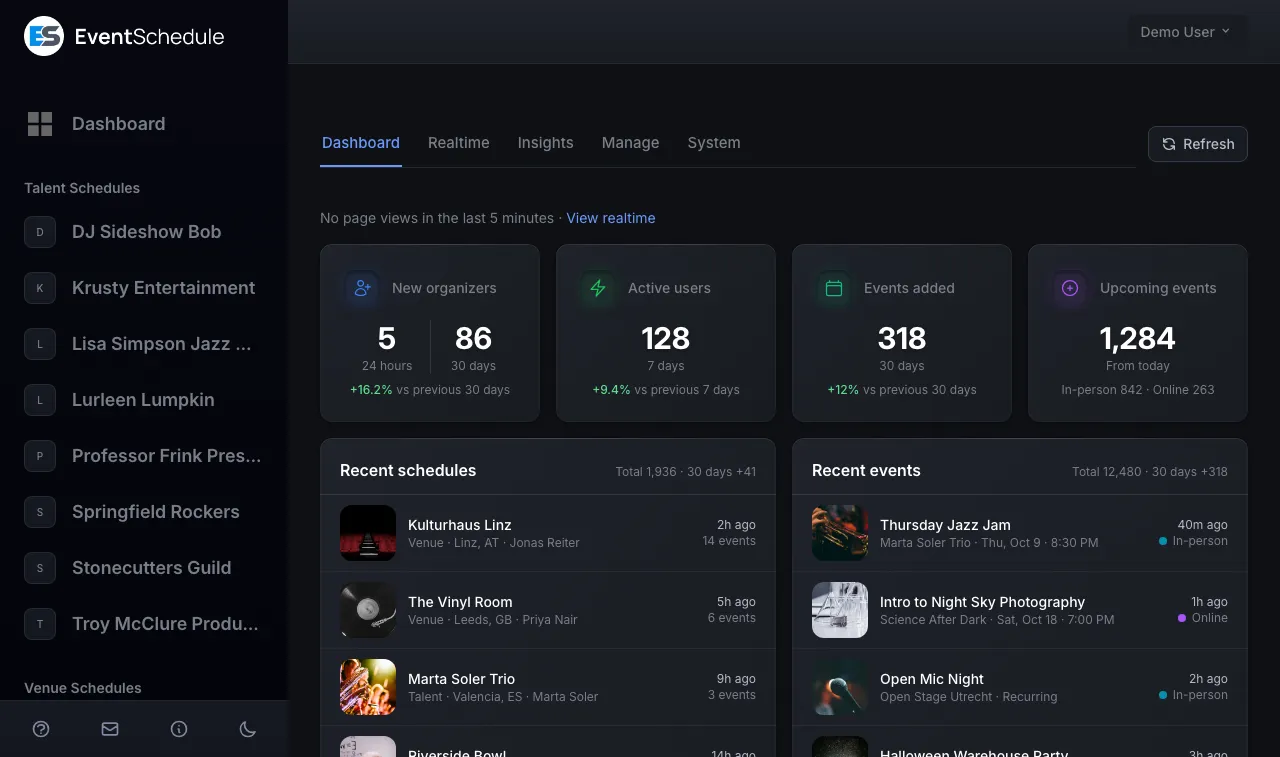
Explore both sides of Event Schedule - the admin portal where you manage everything, and the public calendar your attendees see.

Admin Portal

Where schedule owners manage events, tickets, settings, and more. Create events, track sales, and customize your calendar.

Open Admin Demo

Guest Portal

The public-facing calendar your attendees see. Browse events, purchase tickets, and subscribe to updates.

Open Guest Demo
Easy Installation

Get up and running in minutes

Choose your preferred installation method. Both options provide automated setup with minimal configuration.

Softaculous

One-click installer

Available on most cPanel hosting providers. Install Event Schedule with a single click - no command line required.

  • Automatic database setup
  • Auto-configured environment
  • Available on 1000+ hosts
Install with Softaculous

Docker

Containerized deployment

Deploy with Docker Compose for a consistent, isolated environment. Perfect for VPS, cloud servers, or local development.

  • Isolated environment
  • Easy scaling and backups
  • Pre-configured compose file
View Docker Setup
Automatic Updates

One-click updates

Keep your installation up to date with a single click. When a new version is available, just click the update button in your admin panel - no terminal access needed.

  • Database migrations included

    Schema changes are applied automatically

  • No downtime required

    Updates complete in seconds with minimal disruption

  • Version notifications

    Get notified in your admin panel when updates are available

Exclusive Features

Only available when selfhosting

Unlock powerful features that are exclusive to selfhosted installations.

Auto Import

Automatic event importing

Automatically pull events from external websites into your schedule. Our intelligent system extracts event details from any webpage using AI-powered parsing.

Respects robots.txt

We check each website's robots.txt file before importing to ensure we only access content that site owners have permitted for automated access.

  • Schedule automatic imports
  • AI extracts dates, times, venues
  • Keep your schedule synced automatically
AI-Powered Blog

Automated content for SEO

Generate relevant blog content automatically to drive organic traffic to your event schedule. Our AI creates engaging posts tailored to your events and audience.

Best Jazz Venues in Your City
Generated 2 hours ago
This Week's Must-See Events
Scheduled for tomorrow
  • SEO-optimized content
  • Increase organic traffic
  • Powered by Google Gemini & OpenAI

100% Open Source

Event Schedule is fully open source under the Attribution Assurance License (AAL). Inspect the code, contribute improvements, or fork it for your own needs.

100%
Open Source
Free
Forever
AAL
Open Source License
Business Opportunity

Build your own SaaS business

Turn Event Schedule into your own white-label SaaS platform. Offer event scheduling as a service to your customers under your own brand.

  • Multi-tenant architecture built-in
  • Stripe integration for subscriptions
  • Full white-label customization
  • Keep 100% of your revenue
Learn about SaaS setup

Frequently asked questions

Common questions about selfhosting Event Schedule.

Is Event Schedule really free to selfhost?

Yes. Event Schedule is fully open source under the Attribution Assurance License (AAL). You can inspect the code, contribute improvements, or fork it for your own needs at no cost.

How do I install Event Schedule on my server?

You can install Event Schedule with a one-click Softaculous installer on most shared hosts, or deploy it with Docker Compose on a VPS, cloud server, or locally. Both paths are documented in the install guide.

How do updates work for selfhosted installations?

When a new version is released, a notice appears in your admin panel. One click applies the update in seconds with minimal disruption. No terminal access is required.

Does the selfhosted version support ticket sales and AI features?

Yes. Selfhosted installations include ticketing, QR check-ins, AI-powered event auto-import, and AI blog generation for SEO. You connect your own Stripe and Gemini API keys.

Can I run Event Schedule as a white-label SaaS for my customers?

Yes. The selfhosted version supports white-label multi-tenant use, so you can run it as a branded SaaS product for your own customers.

Ready to selfhost?

Get started with the installation guide. Have questions? Check out our GitHub discussions.