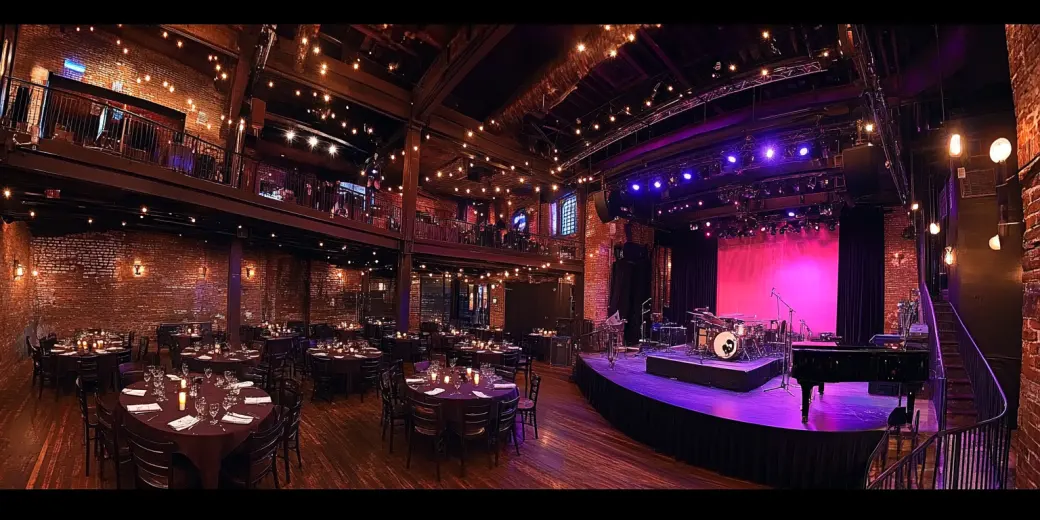

Pub
Village Idiot Blues & Jazz
villageidiot.eventschedule.com
Each one is a real events page, published with Event Schedule at its own address. Type the name of yours and see it on every one of them. Type your schedule's name and see it on all 18.
your-name.eventschedule.com
Free forever. No credit card required.
Press any one to open the live page.
Classes that repeat, a retreat with dates of its own, and a cap on how many can come. Event Schedule for fitness and yoga
A lineup that changes every week, with a page per date worth linking to. Event Schedule for music venues
Volunteer-run programs where the calendar is the whole website. Event Schedule for community centers
Small-group sessions where the date and the sign-up are the same page. Event Schedule for workshops
Pub
villageidiot.eventschedule.com


Retreat
weekendyogaretreat.eventschedule.com
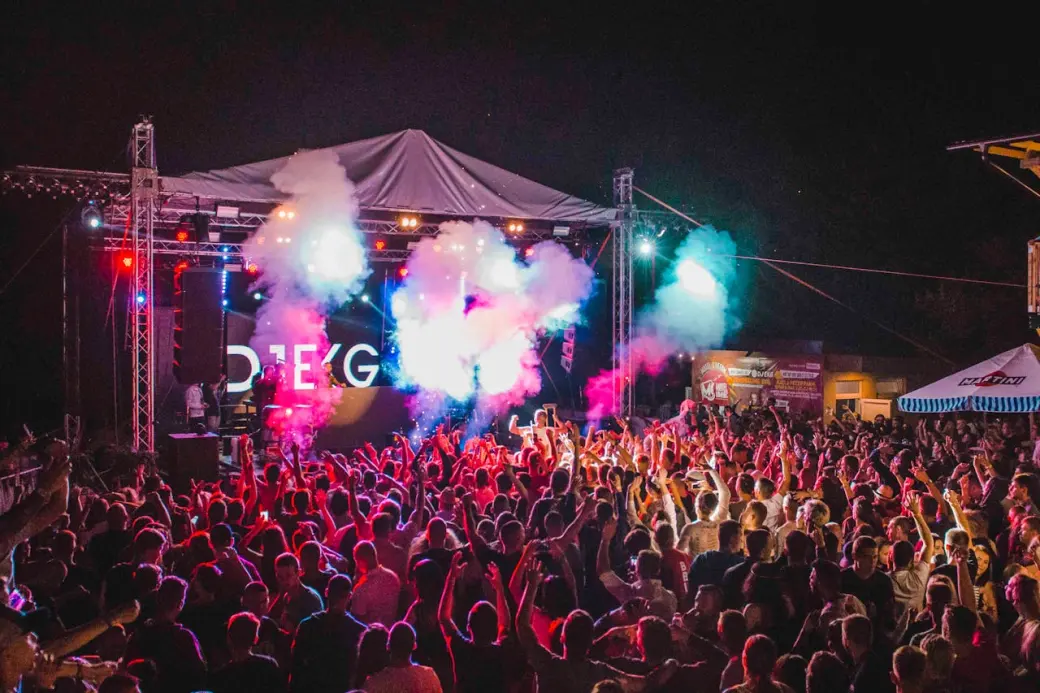

Competition
battleofthebands.eventschedule.com
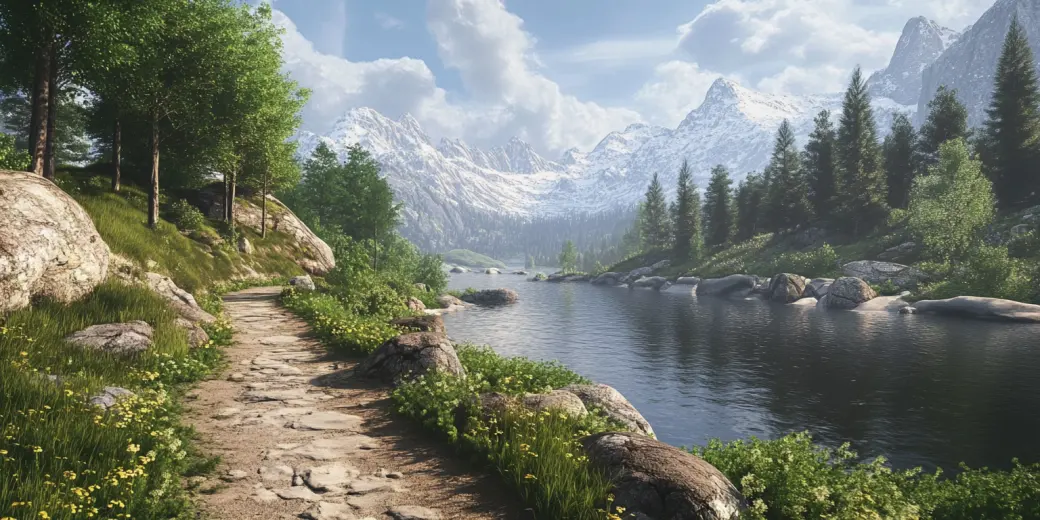

Outdoors
hikingclub.eventschedule.com


Dojo
karateclub.eventschedule.com
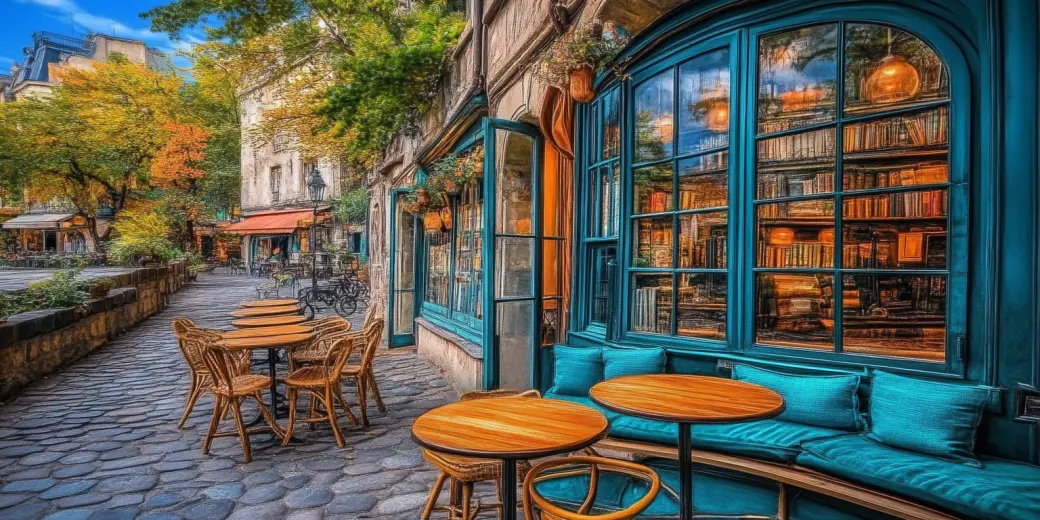

Bookshop
pagesbooknookshop.eventschedule.com


Mindfulness
meditationclasses.eventschedule.com
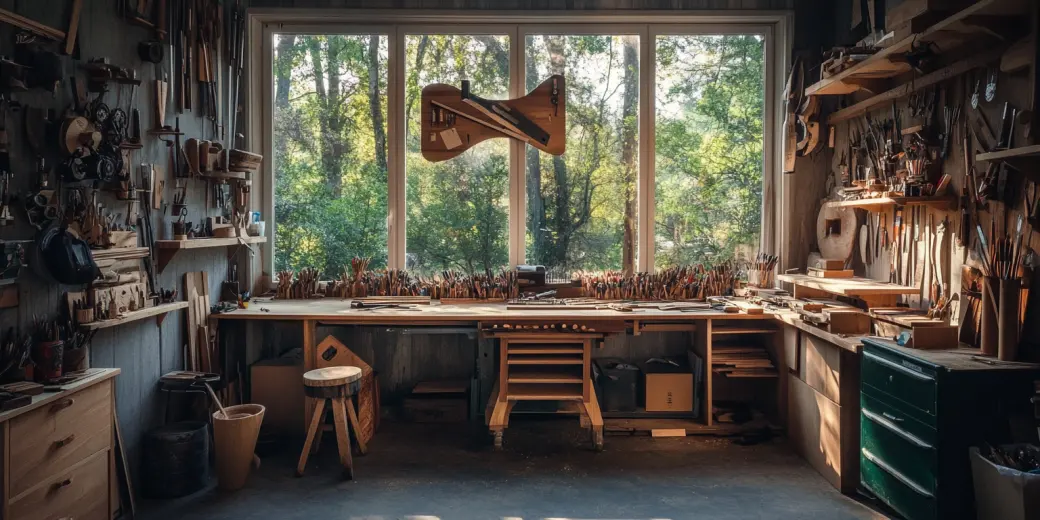

Crafts
nateswoodworkingshop.eventschedule.com
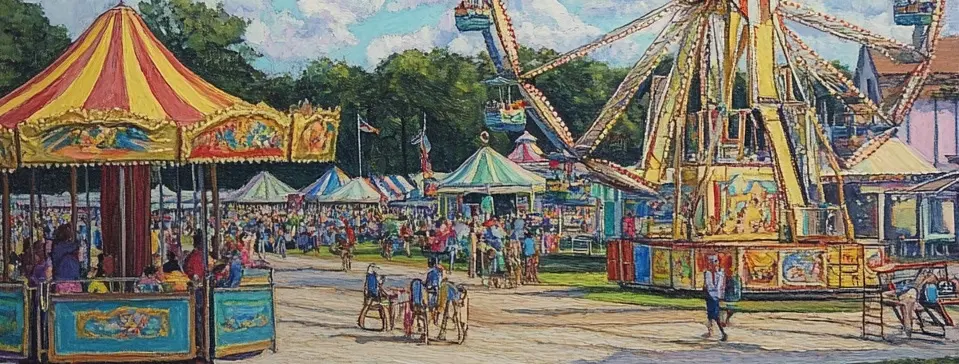

Fairground
countyfairgrounds.eventschedule.com
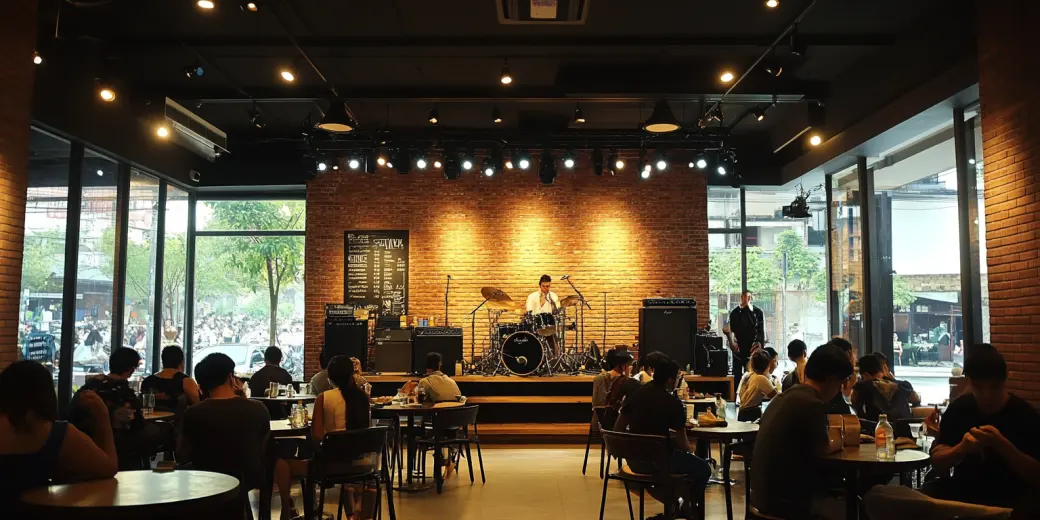
Cafe
sufficientgroundscoffeemusic.eventschedule.com


Art studio
painting.eventschedule.com


Youth
communityyouthgroup.eventschedule.com
One fictional town on six schedules: the bar, the bowling alley, the cinema, the donut shop, the amphitheater and the town's own page. See all use cases


Town
simpsons.eventschedule.com
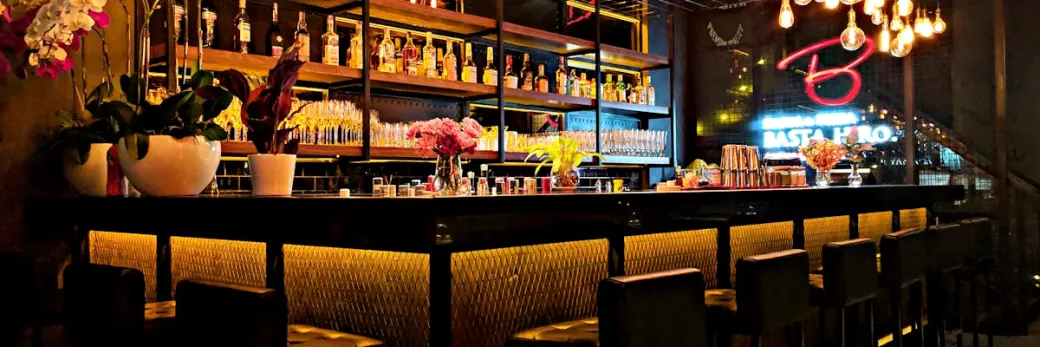

Bar
demo-moestavern.eventschedule.com


Donuts
demo-lardlad.eventschedule.com


Bowling
demo-bowlarama.eventschedule.com
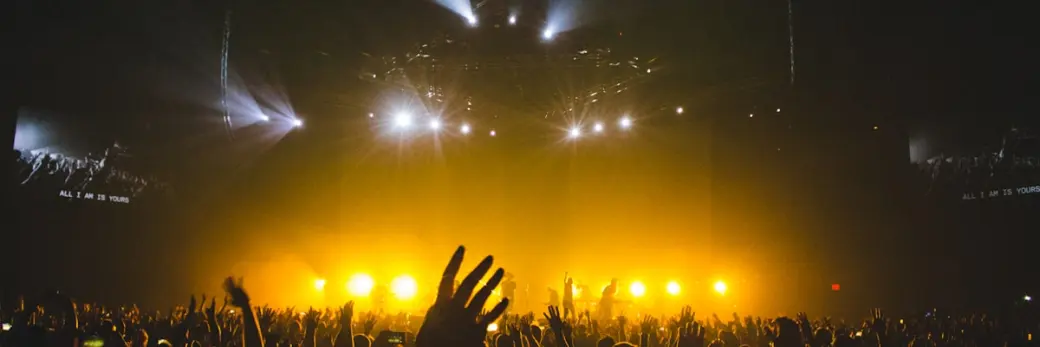

Amphitheater
demo-amphitheater.eventschedule.com


Cinema
demo-aztectheater.eventschedule.com
This is Moe's Tavern, one of the 18.This is Moe's Tavern's page, with your name on it. Press a number to see what that part is called in Event Schedule, and what it costs to build.


11 of these 14 cost nothing.
A schedule of your own on a subdomain, with nothing to install or host
The calendar or list layout, set once per schedule Not in these pictures
Recurring dates, with exceptions for the days you skip
Sub-schedules
The lineup on each event. A performer or venue you name who is not on Event Schedule gets a page of its own that says you listed them, and they can claim it with the email address on it
A calendar file per date, plus a live calendar feed of the whole schedule that updates itself when a date moves
The interest list, once you switch on the "Notify me" card: an email address and nothing else, then a message when tickets go on sale, if it is cancelled and shortly before it starts, plus any notice you choose to send if the date or venue changes. It does not use your newsletter allowance Not in these pictures
An audience you can reach. A visitor who signs up with a name and email address and confirms it gets a digest of your new events automatically, plus any newsletter you write: 10 emails a month on Free, counted per recipient
Free registration with an optional capacity, per date Not in these pictures
Ticket types and checkout through Stripe or PayPal, with zero platform fees on every plan. A ticket type set at no charge goes out on Free; one with a price on it is Pro
Fan photos, video and comments, held in an approval queue. Free covers 25 photos per schedule Not in these pictures
The free-plan credit, a small link back to eventschedule.com. Removing it is part of Pro Not in these pictures
QR scanning, on every plan, whether the place was paid for or simply kept. The live check-in dashboard is the Pro half Not in these pictures
Custom domains Not in these pictures
The 3 that cost something are putting a price on a ticket, dropping the credit chip and a domain of your own. Free registration and scanning at the door are neither capped nor charged for, and Event Schedule takes nothing from the door on any plan. See the plans A part with no plan beside it is free. The plan beside the others is what that part costs to build; it is not a claim about which plan any one demo above is on.
Yes. Everything it takes to publish a schedule like the ones on this page is free forever: unlimited events, recurring dates, sub-schedules, your own colors and header image, free registration with a capacity and no ceiling on it, two-way calendar sync and an embeddable calendar. Scanning those codes at the door is free on every plan too. Putting a price on a ticket is what $5 a month buys, along with the live check-in dashboard. Event Schedule charges no platform fees on ticket sales, on any plan. One team member is included on the free plan; adding more people to a schedule is part of Enterprise, capped at five.
They are real published pages, and they are demos. Event Schedule built them to show different kinds of programming side by side, from fitness and music to community groups and workshops. Each picture in the wall is that schedule's own header image, with its logo. Press one to see its page as a phone shows it, and a button there opens the live page at its own address.
The name you type is set over every picture in the wall, in that schedule's own typeface, and on its page when you press one, so you can see how yours would read. Nothing is saved and nothing is sent until you press the button, which takes the address made from the name with you to sign-up. A new schedule does not start with one of these looks: the header image, the colors and the typeface are settings you choose.
Signing up, naming the schedule and publishing a first event takes a few minutes, and none of it needs technical skill. Add events by hand, or paste the details and let AI pull out the date, time and venue: AI parsing is on the free plan too, with a daily cap. If your events are already in Google Calendar, Outlook or any CalDAV calendar, connect it and they sync both ways instead of being retyped.
Open any of them on a laptop. These are the same public pages an audience gets, and the guest layout is responsive, so one schedule reflows to whatever screen it is opened on rather than being maintained twice.
Yes, on every plan. The embeddable calendar drops your schedule into a page on the site you already have, so the calendar lives in two places without being maintained in two places. Embedding the registration form is free as well, and embedding the ticket purchase form is a Pro feature.
Event scheduling for musicians, venues, restaurants and theaters.
Read moreUpcoming live music, comedy, classes and markets, soonest first.
Read moreEvery feature on one page, with the plan each one needs.
Read moreSee what is included on Free, Pro, and Enterprise plans.
Read morePublishing a schedule and its dates is free forever, and so is keeping places on them and scanning people in at the door. $5 a month is what puts a price on a ticket, and adds the live check-in dashboard. Nothing is taken from the door on any plan.
No credit card required.
We'd like to use optional cookies for analytics and for marketing, including maps and videos from other sites. Nothing optional is set until you choose. The organizer of a schedule page you visit also sees visits to it, without your name. Learn more